

Make, remix, and share your own rant layout.
Start with an original rant layout template, add your words and character, then export a transparent PNG.
Community favorites
Rant layouts made by you. Ranked by the last 30 days.
Views tracked since Sep 17. A full 30-day history is still building.


Counts are for this period. Rankings update on your next visit; likes you remove are not counted.
Pick a starter and make it yours.
Choose a ready-made shell, then open it in the Maker with your starting colors and decorations already in place.


Original assets, made for mixing.
Build faster with RantLayout's own backgrounds, borders, dividers, corners, and stickers.

Blue ribbon edge
Blue Dream Ribbon
Gingham edge
Red Apple Gingham
Dream ribbon edge
Blue Dream Ribbon
Picnic edge
Red Apple Gingham
Moonlit edge
Blue Dream Ribbon
Orchard edge
Red Apple Gingham
Starry divider
Blue Dream Ribbon
Orchard divider
Red Apple Gingham
Ribbon divider
Blue Dream Ribbon
Gingham divider
Red Apple Gingham
Moon divider
Blue Dream Ribbon
Apple divider
Red Apple Gingham
Blue bow
Blue Dream Ribbon
Apple sticker
Red Apple Gingham
Star charm
Blue Dream Ribbon
Red bow
Red Apple Gingham
Moon charm
Blue Dream Ribbon
Picnic charm
Red Apple Gingham
Blue dream paper
Blue Dream Ribbon
Gingham paper
Red Apple GinghamAssetsBackgroundsAdd sticker
 some days
are just
too much
TextRounded displayLayersRant textHeart frameStickers
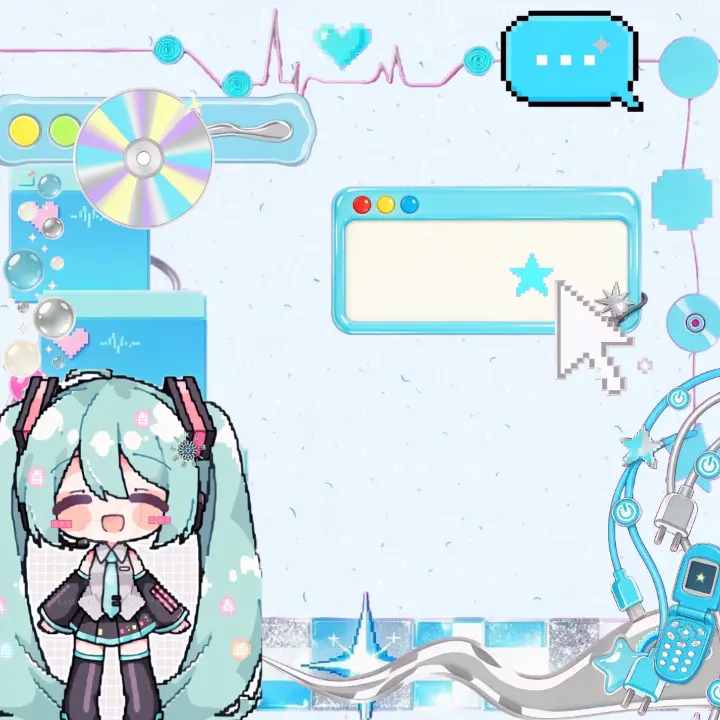
From blank canvas to finished rant layout.
A rant layout is a reusable graphic shell. This four-step flow keeps the words, assets, character, and intentional open space editable until export.
- 1
Pick
Start with a reusable rant layout shell or blank canvas, with room for your words.
- 2
Decorate
Add backgrounds, borders, stickers, and more.
- 3
Character
Cut out a character and make it yours.
- 4
Export
Download a transparent PNG for overlays, or a white PNG ready to share.
Choose a vibe.
Find a style, then make it yours.


Make it yours. Share it back.
Public layouts stay remixable, while every remix becomes its own independent creation.
- 1
Remix a public layout
Browse the Gallery and start from something that speaks to you.
- 2
Add your own voice
Change the words, background, stickers, and character until it feels like yours.
- 3
Publish for the community
Public work can appear in the Gallery for others to discover and remix.
We love seeing your rant layouts. Content that breaks the guidelines may be withdrawn.
A few quick answers.
Everything you need before starting your first layout.
Is RantLayout free?
Yes. You can use the Maker, remix public layouts, and export your design without paying.
Can I remix community layouts?
Yes. Use Remix on a public layout to open an independent copy in the Maker. The original is not changed.
Can I use my own character image?
Yes. Upload or paste an image in the Character step, cut out the subject, then resize and position it on your layout.
What happens when I publish?
Your public layout can appear in the Gallery and qualify for the community leaderboard. Content that breaks the guidelines may be withdrawn.