 Community
Rant Layout Gallery
Find a layout, preview it, and make it yours.
Gallery search results ready.
A mix of new layouts, recent favorites, and less-seen finds.
For You Gallery results loaded.
Explore
Community Community
 Community
 Community
 Community
 Community
 Community
 Community
 Community
 Community
 Community
 Community
Load More
12 of 204 layouts loaded.
Make
Create a reusable layout in the Maker.
Publish
Confirm your rights and publish a saved layout that meets the community guidelines.
Remix
Public layouts can be opened, downloaded, and remixed by others.
About the rant layout Gallery
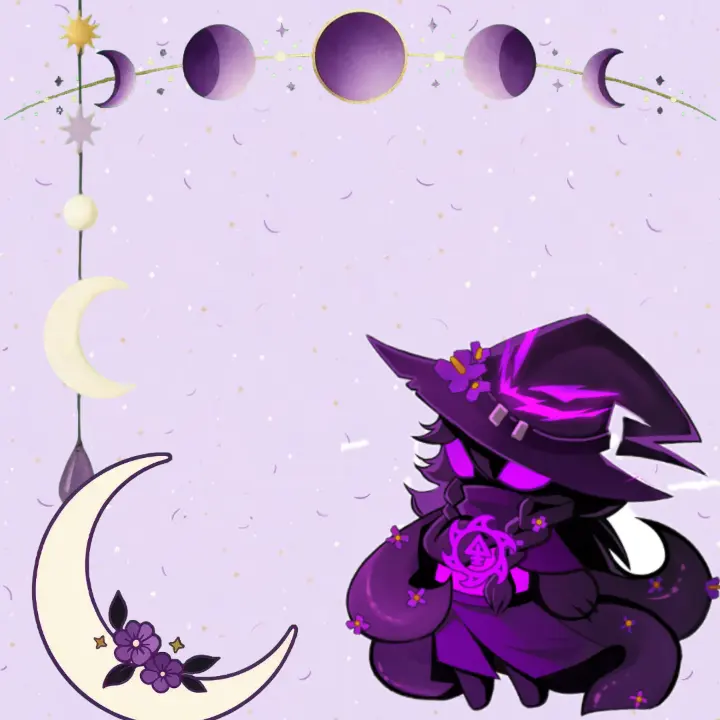
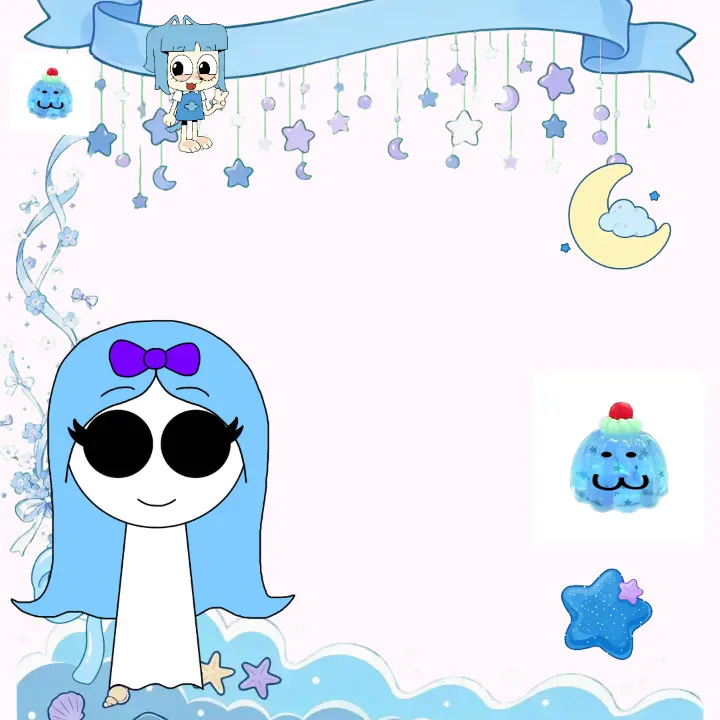
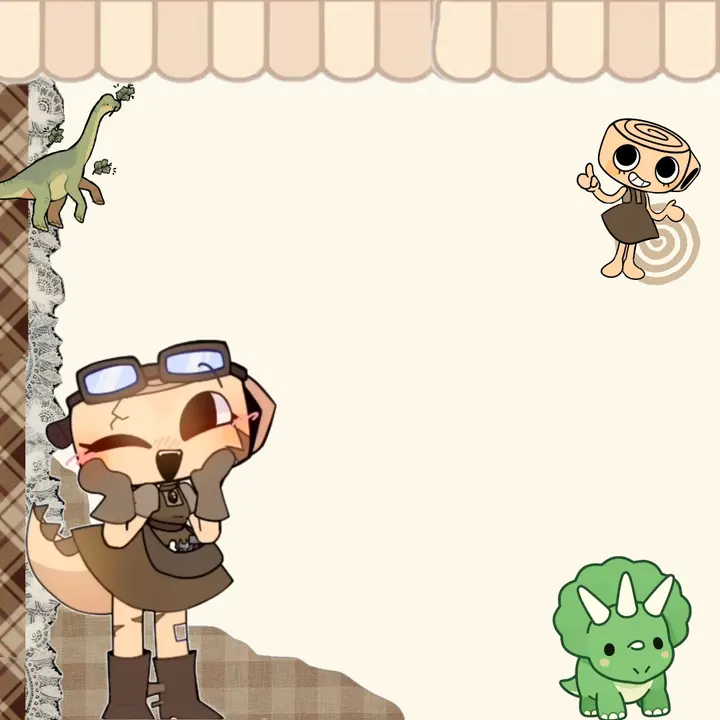
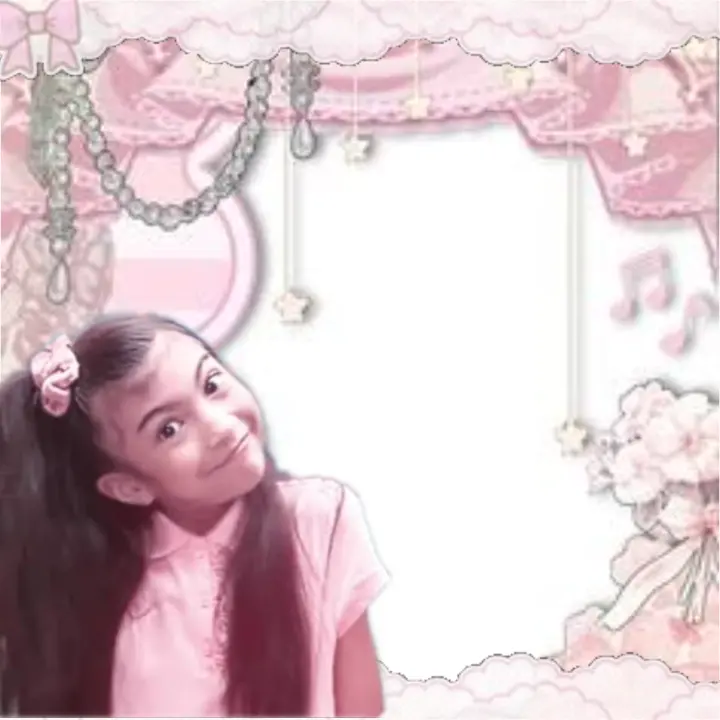
The Gallery collects rant layouts that people made in the RantLayout Maker and chose to share, together with official layouts made by the RantLayout team. Every card is a transparent rant layout frame with an empty window for your video. Sort by new, trending, most liked or most remixed, show only official layouts, filter by colour, or search by name, style or creator.
Official layouts are labelled as such and are built from our own assets. Community layouts carry their creator’s name; a creator with a verified profile gets a link to all of their public work.
How a layout gets into the Gallery
Anyone with an account can publish a layout they saved in the Maker. Before it goes public, the creator confirms that they made it or have permission for every picture in it, including the sprite, and picks how others may reuse it. The layout then appears in the Gallery with its own page. Moderators look through published layouts and can withdraw any that break the Terms of Use, for example by using someone else’s artwork without permission. A withdrawn layout leaves the Gallery straight away; its creator keeps a private copy.
Reporting a layout
If a layout uses your artwork, your character or anything that should not be public, use Report on the layout’s page or write to us through the Contact page with the link. Rights reports are reviewed by a person.
Remixing and credit
Remix opens a copy of a public layout in the Maker. The original stays exactly as its creator made it; your copy is yours to change, save and, if you like, publish. A published remix shows which layout it came from, and the original shows how many remixes it has, so credit travels with the design. In captions, follow the community habit of writing who inspired your layout.
Remix works best for the arrangement and colours. Swap the sprite for your own character, change the name tag, and press “Match the layout to your sprite” to recolour official pieces. Our structures guide and colour guide explain what to change.
Sharing your own layout
Give it a clear name, such as its colour and theme, and add a few tags so people can find it. Leave the middle of the window empty for the video. The safest sprite is a picture you drew, an original character or a photo you took; if you use someone else’s art, make sure they allow it and credit them.
Can I use a layout from the Gallery in my own video?
Yes, in your own rant videos and posts, and you may remix it. Each layout page shows how its creator asks to be treated: free to use, credit appreciated, credit required, or don’t repost the layout itself. Follow that label, and never sell the layout.
Why did my layout disappear from the Gallery?
A moderator may have withdrawn it, for example after a rights report or because it broke the community rules. You keep your saved copy. If you think it was a mistake, contact us with the layout link.
Why can’t I find a layout I saw before?
Its creator may have taken it down, or it may have been withdrawn. Layouts that are no longer public stop appearing in the Gallery and their page shows as not found.